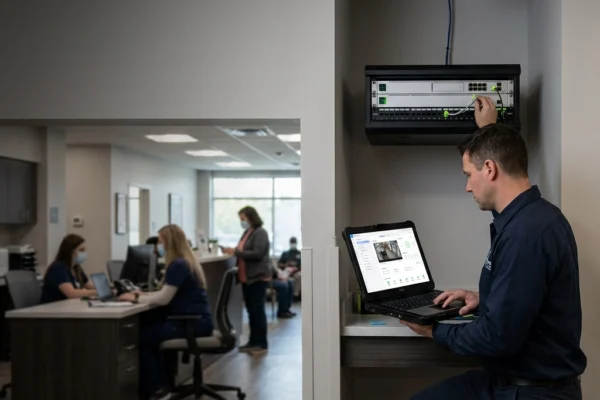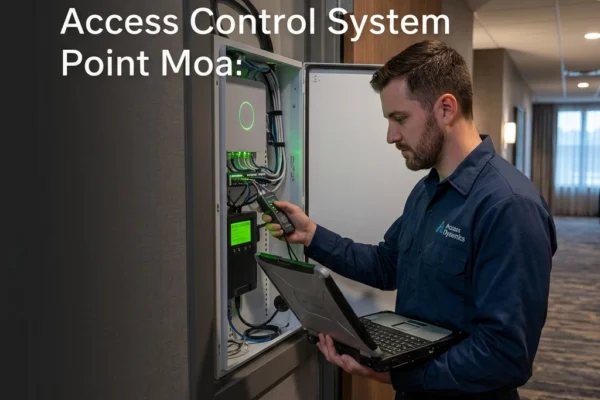

It’s 8:01 AM on a Monday in Omaha. Your best client is standing outside your front door, and the badge reader is just blinking red. Or worse, it’s doing nothing at all.
When an access control system fails, it isn't just an IT "glitch." It’s an operational wall. Your employees can’t work, your facility isn't secure, and your morning is officially ruined. Most business owners or office managers respond by power-cycling the nearest controller or clicking "refresh" on a software dashboard.
That is not troubleshooting. That is guessing.
At SAINT Technology Services, we see the same patterns across the Midwest: from Lincoln to Des Moines. Most "access control system not working" tickets are the result of basic errors made during the diagnostic process. If you want to stop the guessing game and actually fix the problem, you need to stop making these seven common mistakes.
1. The "Shotgun" Approach to Testing
The biggest mistake in door access system troubleshooting is changing five things at once to see what sticks. You swap the reader, you reset the board, and you toggle the strike lock. If it starts working, you have no idea why. If it doesn't, you’ve just added five new variables to the problem.
Systematic isolation is the only way to solve complex hardware issues. You have to test the reader, the controller, the lock, and the software independently. If the reader beeps but the door doesn't click, your problem is downstream from the reader. If the software says "Access Granted" but the hardware stays silent, you’re looking at a relay or power issue.
Stop guessing. Isolate the component.
2. Skipping the Multimeter (The Voltage Trap)
You can’t troubleshoot low-voltage electronics with your eyes. We see this constantly: a technician assumes a board is "bad" because the lights are dim.
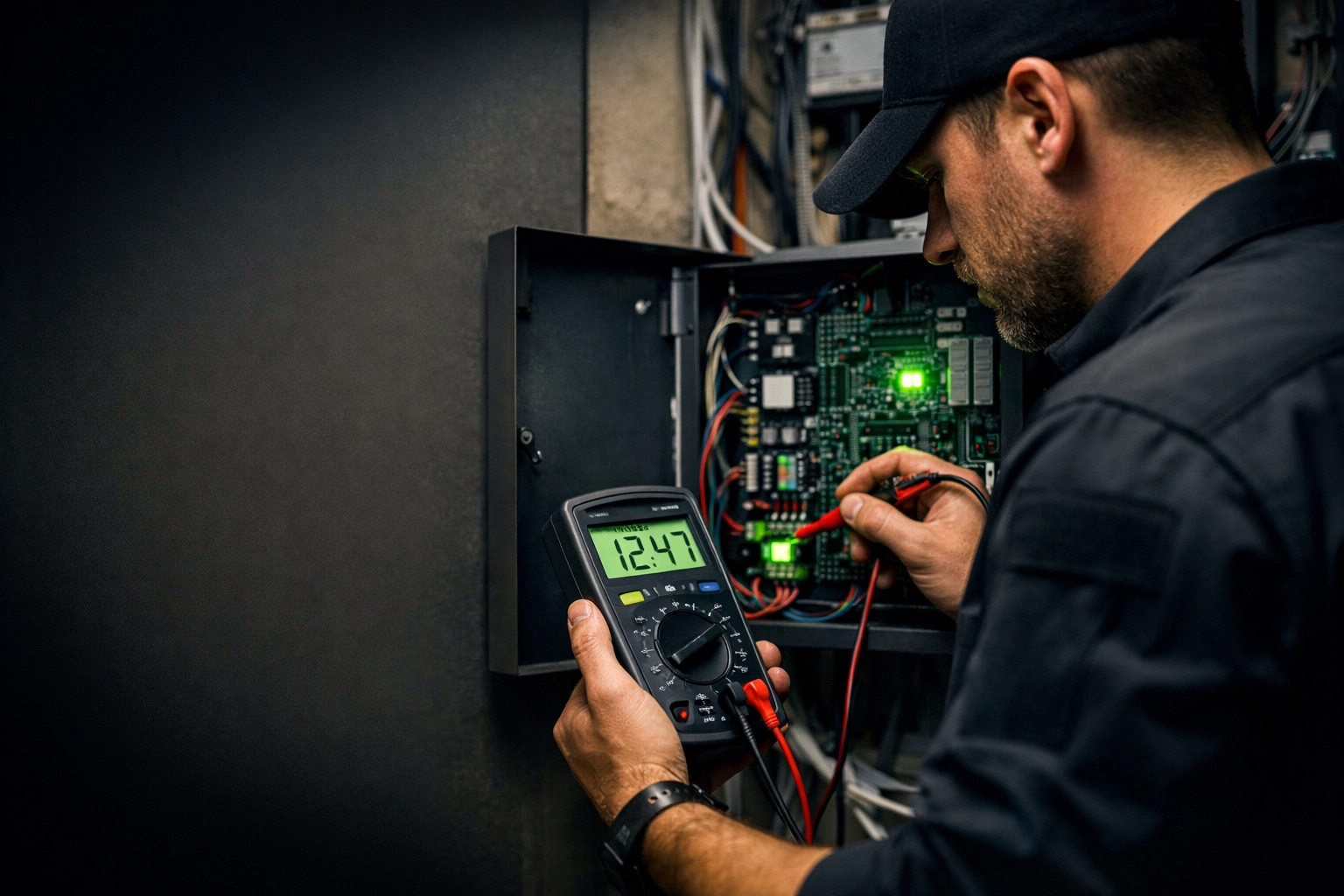
Access control components usually require a very specific 12V or 24V DC feed. If your power supply is pushing 10.5V because of a failing capacitor or a long wire run, the system might "look" like it's on, but the strike won't have enough juice to pull.
Before you replace a $500 controller, check the voltage at the board and at the lock. If you aren't using a multimeter to verify power and continuity, you aren't troubleshooting: you’re just expensive parts-swapping.
3. Ignoring the "Door" in Door Access
We are an IT and security company, but sometimes the fix involves a hammer, not a keyboard. A common pitfall when an access control system is not working is assuming the failure is electronic.
Midwest weather is brutal on hardware. Humidity shifts in the summer and deep freezes in the winter cause door frames to warp. If the door isn't aligned, the latch puts "pre-load" pressure on the electric strike. When the relay fires, the strike is physically jammed and can’t drop.
Before you dive into the wiring, check the physical alignment. Does the door shut cleanly? Is the strike plate hitting the latch? If the hardware is bound up, no amount of software configuration will open that door.
4. The Spaghetti Wire Trap
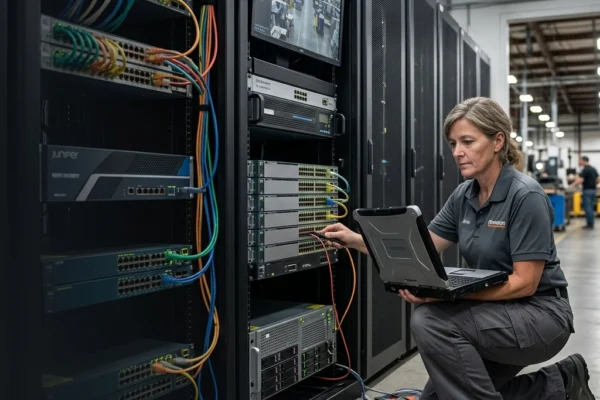
If your security closet looks like a bowl of neon pasta, your troubleshooting time just tripled. Poor cable management isn't just an aesthetic issue; it’s a functional failure.
When wires aren't labeled or organized, finding a break in continuity is nearly impossible. We often find that "system failures" are actually just loose wire nuts or cables that were pulled tight and eventually snapped.
A professional installation uses structured cabling, clear labels, and end-of-line resistors where necessary. If you can't trace a wire from the controller to the door in under sixty seconds, your infrastructure is working against you.
5. Trusting the Software "Status" Too Much
Your cloud dashboard might say the door is "Online," but that only means the controller is talking to the server. It doesn't mean the relay is actually firing or that the reader is successfully decoding card data.
Software lag can also mask the real issue. In some legacy systems, a database sync error can cause a 10-second delay between a badge swipe and a door release. Users think the system is broken and swipe again, which causes the controller to buffer and lock up.
Don't just look at the screen. Watch the hardware. Look for the status LEDs on the control board to see if the command is actually reaching the physical layer.
6. Using Cheap "Consumer-Grade" Hardware
If you bought a "smart lock" from a big-box retailer and tried to slap it on a commercial storefront, you’re going to have a bad time. Commercial door access system troubleshooting often reveals that the hardware simply wasn't rated for the duty cycle.
A business door might open 200 times a day. Residential hardware is built for 5-10. When the internal gears strip or the cheap plastic reader fades in the Nebraska sun, the system fails.
We advocate for enterprise-grade ecosystems like Ubiquiti, Honeywell, or Genetec. These systems are designed for high-traffic environments and provide much better diagnostic data when things go wrong.

7. Neglecting the Network Infrastructure
In 2026, physical security is network security. If your door controllers are plugged into a cheap, unmanaged switch or a flaky WiFi bridge, your access control is only as good as that $40 piece of plastic.
Network congestion can cause "ghost" failures where doors intermittently stop working during peak office hours. If your security traffic is competing with someone downloading 4K video in the breakroom, you're going to see latency in your door releases.
Convergence is key. Your cameras, your doors, and your data should all run on a managed, segmented network that prioritizes security traffic.
How SAINT Solves This
At SAINT Technology Services, we don't treat your door locks like a separate island. We view them as a critical part of your technology infrastructure.
We provide Physical Security in Bellevue, NE and across the Midwest by focusing on "One System Ownership." When we manage your IT, we also manage the backbone that your security systems live on.
We don't do band-aid fixes. We look at the power, the wiring, the network, and the hardware to ensure that when your employees show up at 8:00 AM, the door actually opens. No guessing, no "shotgun" repairs: just disciplined, tactical support.
Related Services
- Managed IT Support: Proactive monitoring of your network backbone.
- CCTV & Surveillance: Integrated video that tags footage to door access events.
- Network Infrastructure: Structured cabling and enterprise switching for security.
- Cybersecurity: Protecting your access control database from external breaches.
Serving Businesses in the Midwest
While we are rooted in Nebraska, we provide specialized Managed IT Services in Bellevue, NE, Omaha, Lincoln, and surrounding Midwest hubs. We understand the regional climate challenges and operational realities of local businesses.
FAQ: Door Access System Troubleshooting
Q: Why is my badge reader blinking red but not opening the door?
A: A blinking red light usually means "Access Denied." This could be a software permission issue, an expired credential, or the reader is not communicating properly with the controller. If it happens for every user, check the controller's connection to the network.
Q: Can a weak internet connection stop my doors from working?
A: It depends on your system. Many modern "Cloud" systems have a local cache that allows them to work offline. However, if the system is purely cloud-dependent and doesn't have a local buffer, an internet outage will lock you out.
Q: How often should I test my door access power supplies?
A: We recommend a voltage check at least once a year. Backup batteries in these power supplies typically last 3–5 years; if they fail, a brief power flicker could knock your entire system offline.
Q: Why does my electric strike make a humming sound but not release?
A: This usually indicates that the strike is receiving power (AC or improperly rectified DC) but is physically jammed or "pre-loaded" by the door latch. Push or pull the door firmly while swiping to see if it releases.
Q: Is it better to have a Fail-Safe or Fail-Secure lock?
A: Fail-Safe locks (like maglocks) unlock when power is lost. Fail-Secure locks (like most electric strikes) stay locked when power is lost. Life safety codes usually dictate which one you must use based on the exit type.
If your business in the Midwest United States is dealing with slow systems, downtime, or unreliable IT support ( SAINT fixes it before it becomes a problem.)