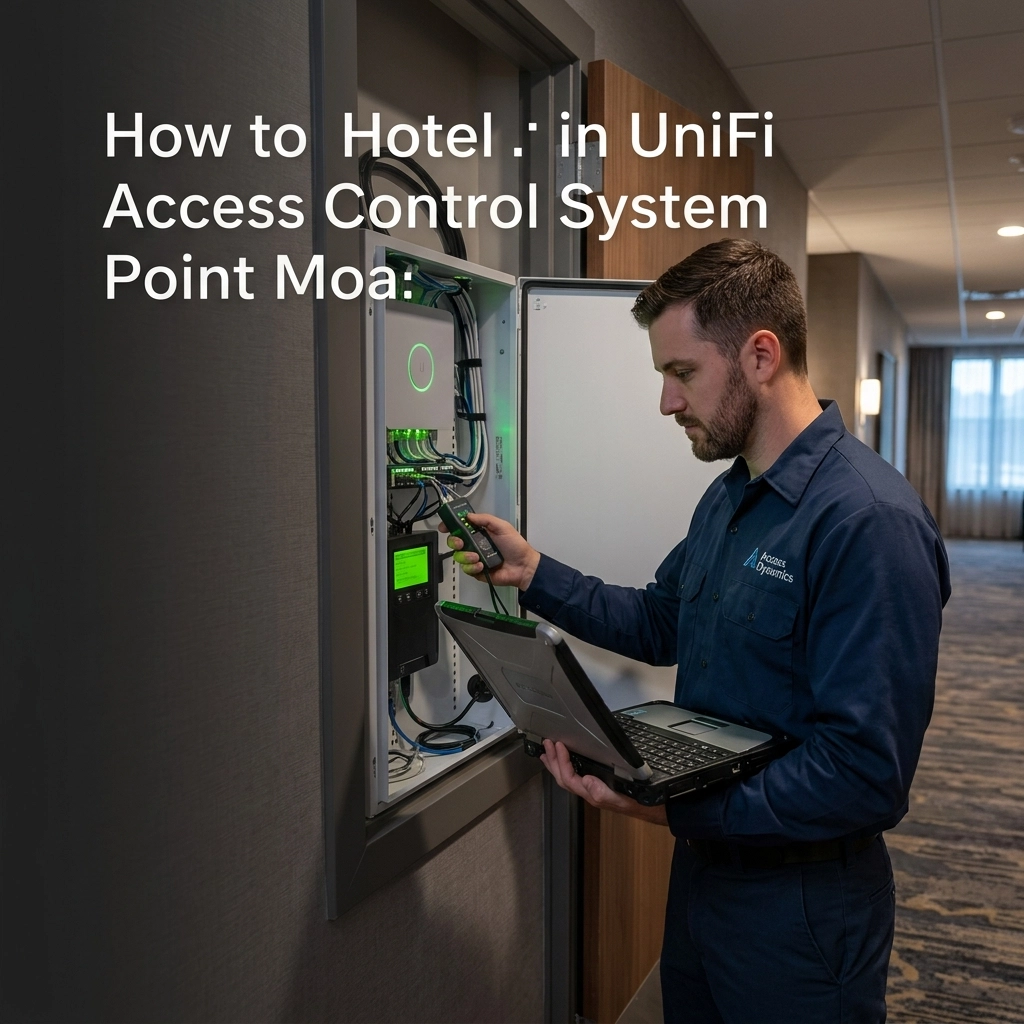
Most Midwest business owners are still living in the dark ages of physical security. You’ve got a heavy ring of keys that looks like it belongs to a 1980s high school janitor, or you’re paying a massive monthly "per-door" licensing fee for a clunky system that hasn’t been updated since the Clinton administration. If you’re lucky, you have basic badge readers, but half your staff forgets their badge once a week anyway, leading to interrupted workflows and "can you let me in?" phone calls that drive everyone crazy.
Physical security isn’t just about locking a door; it’s about managing the flow of your business. In cities like Omaha, NE, and Topeka, KS, businesses are realizing that access control is a core part of their IT infrastructure. If your door system doesn't talk to your network, you don't have a security system, you have a glorified padlock.
At SAINT Technology Services, we push the Ubiquiti UniFi Access ecosystem because it treats physical security like the modern technology it is. It’s sleek, it’s integrated, and it’s surprisingly powerful. But most people only use it to swipe a badge. You’re leaving 80% of the value on the table.
Here are five game-changing features of Ubiquiti Access you probably aren’t using yet, and why they matter for your Midwest operation.
1. The Retrofit Hub: Modernize Without the Demo Day
One of the biggest hurdles for established businesses in places like Lincoln or Manhattan, KS, is the legacy hardware already bolted to the walls. You look at those old Wiegand readers and think, "Replacing all of that wiring will cost a fortune."
Stop thinking that way. The Ubiquiti Retrofit Hub is designed specifically to solve this. It allows you to take your existing legacy wiring and "smart-ify" it instantly. You keep the wires in the walls, swap the termination point to the UniFi Hub, and suddenly your old-school doors are part of a centralized, cloud-managed dashboard.
You get to keep your backup batteries and your existing strikes, but you gain the ability to manage every door from a single pane of glass. It turns a massive capital expense into a simple weekend upgrade.
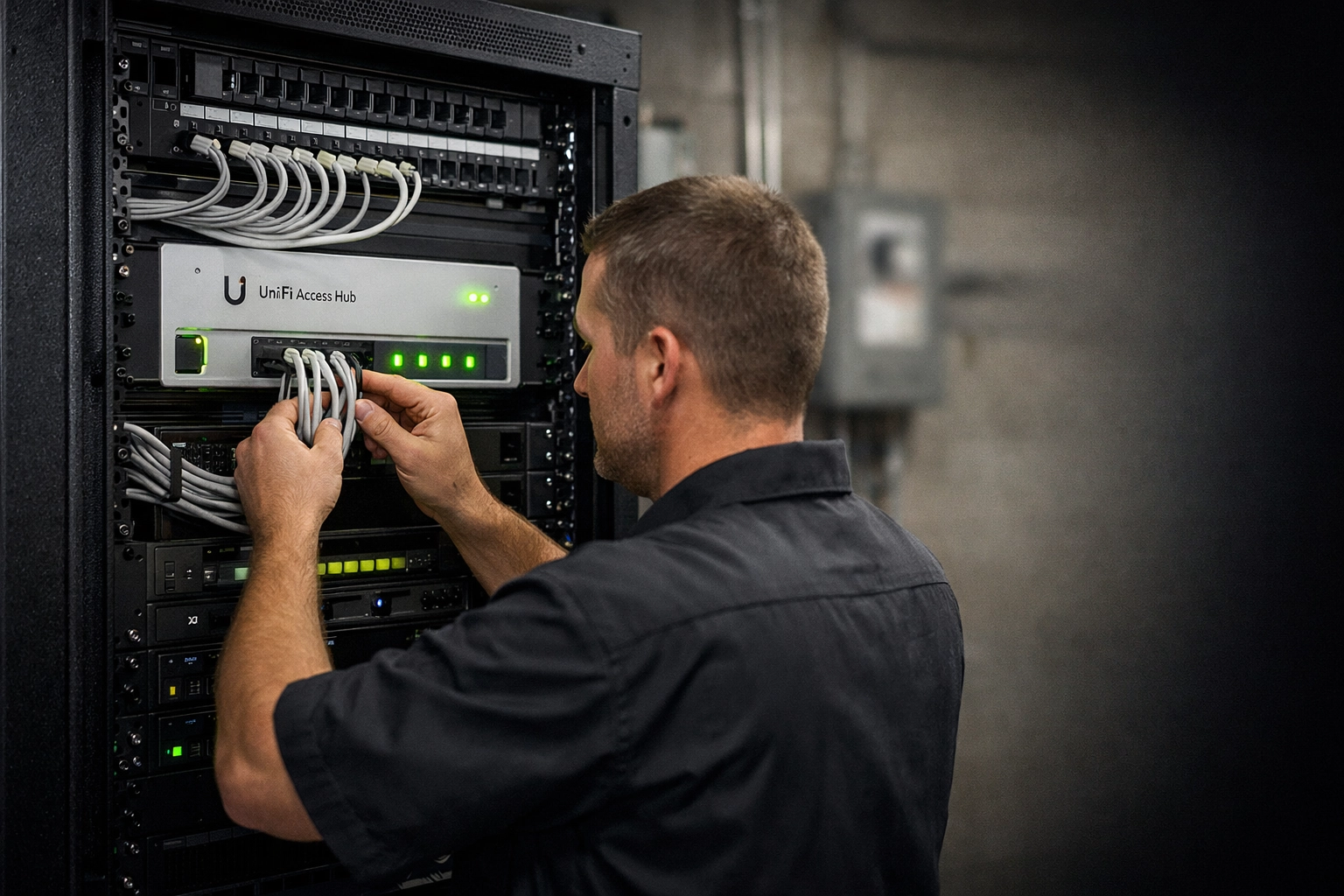
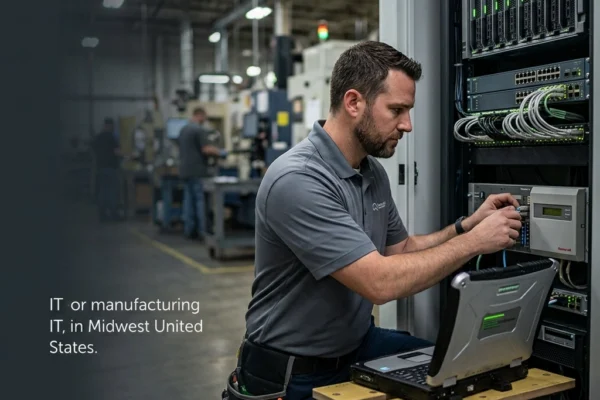
Caption: A close-up of a UniFi Access Hub professionally wired into a network rack, showing clean cable management and organized infrastructure.
2. Mobile Tap: Your Smartphone is the New Badge
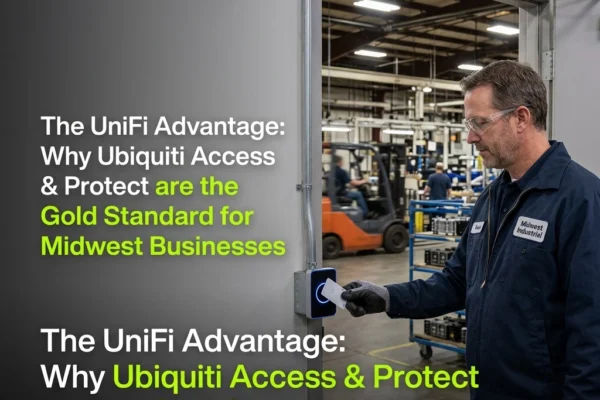
Let’s be honest: your employees are ten times more likely to forget their physical ID badge than their smartphone. When someone forgets their badge, they either tail-gate another employee (a massive security risk) or they sit outside waiting for someone to notice them.
With Ubiquiti Access and the G3 Retrofit Reader or the G2 Pro, you can enable Bluetooth Low Energy (BLE) support. This allows for "Mobile Tap" entry. Your staff simply walks up to the door, taps their phone (or even just has the app open in their pocket in some configurations), and the door unlocks.
It’s faster, it’s more secure because phones are usually biometrically locked (FaceID/Fingerprint), and it eliminates the "I forgot my badge" excuse once and for all. If you’re looking for business IT support that actually makes life easier for your team, this is the first place to start.
3. Kiosk Mode for Visitor Management
How do you handle guests at your facility in Overland Park or Grand Island? Do they wander in and hope to find a front desk? Do they sign a paper logbook that nobody ever looks at?
Ubiquiti recently introduced Kiosk Mode. By pairing the UniFi iPad app with your Access system and a badge printer, you can transform your lobby into a professional, automated check-in station. Visitors sign in on the tablet, the system notifies the person they are there to see, and it can even print a temporary paper badge on the spot.
It makes your business look professional and ensures you have a digital audit trail of exactly who was in your building and when. No more mystery guests roaming the halls.
4. Call Manager: The Intercom Your Business Actually Needs
Traditional intercom systems are a nightmare. They require proprietary hardware, expensive handsets, and often their own separate wiring. Ubiquiti Access changes that with Call Manager.
When someone rings the bell at your loading dock or front entrance, the UniFi Access G2 Pro reader acts as a video intercom. The call doesn't just go to a desk phone; it can go to a mobile app, a dedicated UniFi Touch phone, or even a web browser.
You can see who is there in high-definition video, talk to them, and hit "Unlock" right from your screen, whether you’re at your desk in Kearney or on a job site in Hastings. It turns every door into an intelligent communication point without adding a dime to your monthly overhead.
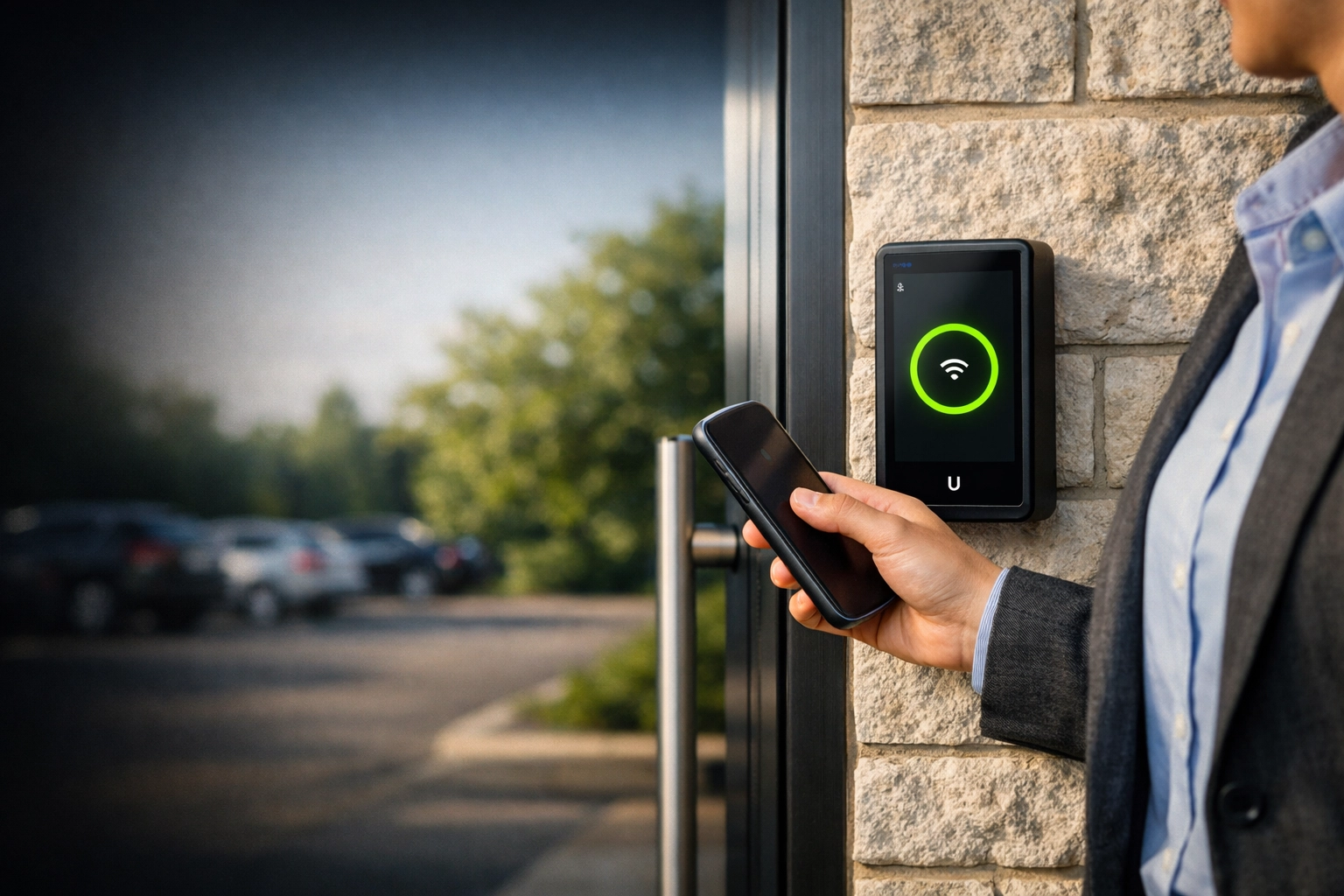
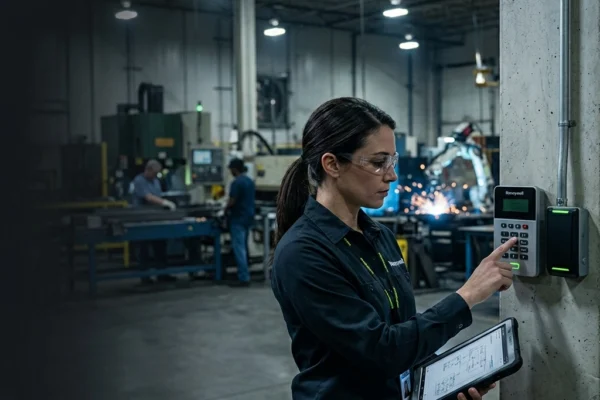
Caption: A close-up of the UniFi G2 Pro reader mounted on a brick exterior, showing the sleek interface and integrated camera.
5. Schedule-Based Access and API Integration
Most "dumb" lock systems are either locked or unlocked. If you want the front door open during business hours, someone has to remember to flip a switch or turn a key. If they forget, you either have a locked door turning away customers or an unlocked door at 2:00 AM.
Ubiquiti allows for granular Schedule-Based Access. You can set your doors to "First-Man-In" rules, the door stays locked until the manager swipes their badge at 8:00 AM, and then it stays unlocked for the public until 5:00 PM.
Furthermore, for larger operations like manufacturing plants or multi-tenant offices in Lenexa, the API support allows you to sync your access control with other business systems. Need to automatically revoke door access when an employee is offboarded in your HR system? That’s the kind of converged security we specialize in.
How SAINT Solves Physical Security
At SAINT Technology Services, we don't just "install cameras" or "fix doors." We provide a converged technology infrastructure. We believe that your network, your cybersecurity services in Lenexa, KS, your CCTV, and your door access should all be managed by one accountable owner.
When you work with SAINT, you get:
- One Vendor, One System: No more finger-pointing between the "door guy" and the "IT guy." We own the whole stack.
- Midwest Reliability: We are veteran-owned and based right here. We know the local landscape and the specific needs of Midwest businesses.
- Flat-Rate Support: We don't believe in surprise invoices. We design, install, and manage your systems for a predictable cost.
If you’re tired of managing a box of old keys and badges, it’s time to move to an ecosystem that actually works. Whether you are running a clinic in Norfolk or a warehouse in Fremont, Ubiquiti Access provides the enterprise-level control you need without the enterprise-level headache.
FAQ: Ubiquiti Access & Physical Security
Does Ubiquiti Access require a monthly subscription fee?
No. Unlike many enterprise systems that charge "per-door" or "per-user" monthly fees, Ubiquiti Access is a license-free ecosystem. Once you own the hardware, the software and updates are free.
Can I use my existing badges with a new Ubiquiti system?
In many cases, yes. The UniFi Access readers support most 13.56 MHz NFC standards. If your current badges are compatible, we can often migrate them over, though we usually recommend moving to the more secure UniFi-encrypted cards or mobile tap.
What happens to my doors if the internet goes down?
Your doors will continue to function. The Access Hub stores the user database locally. As long as the Hub has power (which we ensure via battery backup), your staff can still get in and out. You only need the internet for remote management and mobile notifications.
Is it difficult to manage new employees?
It’s incredibly simple. Adding or removing a user takes about 30 seconds from a web browser or mobile app. You can instantly revoke access for a terminated employee without having to chase them down for a physical key.
Do I need a special server to run this?
Ubiquiti Access runs on a UniFi Console, like a Dream Machine Pro or a Network Video Recorder (NVR). If you already have UniFi cameras or networking, you likely already have the "brains" needed to run the door system.
Can I see who entered a door from my phone?
Yes. Every time someone swipes a badge or uses their phone, it’s logged. If you have UniFi cameras integrated, the system can even attach a short video clip of the person entering to the access log.
Related Services
- Managed IT Support
- Network Infrastructure & Cabling
- Professional CCTV Installation
- Cybersecurity Assessments
- VoIP Phone Systems
Serving Businesses in the Midwest
We provide physical security and IT support across Nebraska and Kansas, including Omaha, Lincoln, Kearney, Grand Island, Topeka, Lawrence, and the Kansas City metro area.
If your business in the Midwest United States is dealing with slow systems, downtime, or unreliable IT support ( SAINT fixes it before it becomes a problem.)