
<!-- Ship note: draft:false; published 2026-09-30T00:00:00.000Z (2026-09-29 ~19:00 CDT) after Avery SEO PASS t1445u. Soft CTAs LIFTED. -->
Metal keys in a desk drawer and a blinking DVR in a closet still run a lot of Lincoln storefronts and Omaha satellite offices. They work until someone loses a key, a weekend unlock has no name on it, or the DVR disk is full and last Tuesday’s break-in is already gone.
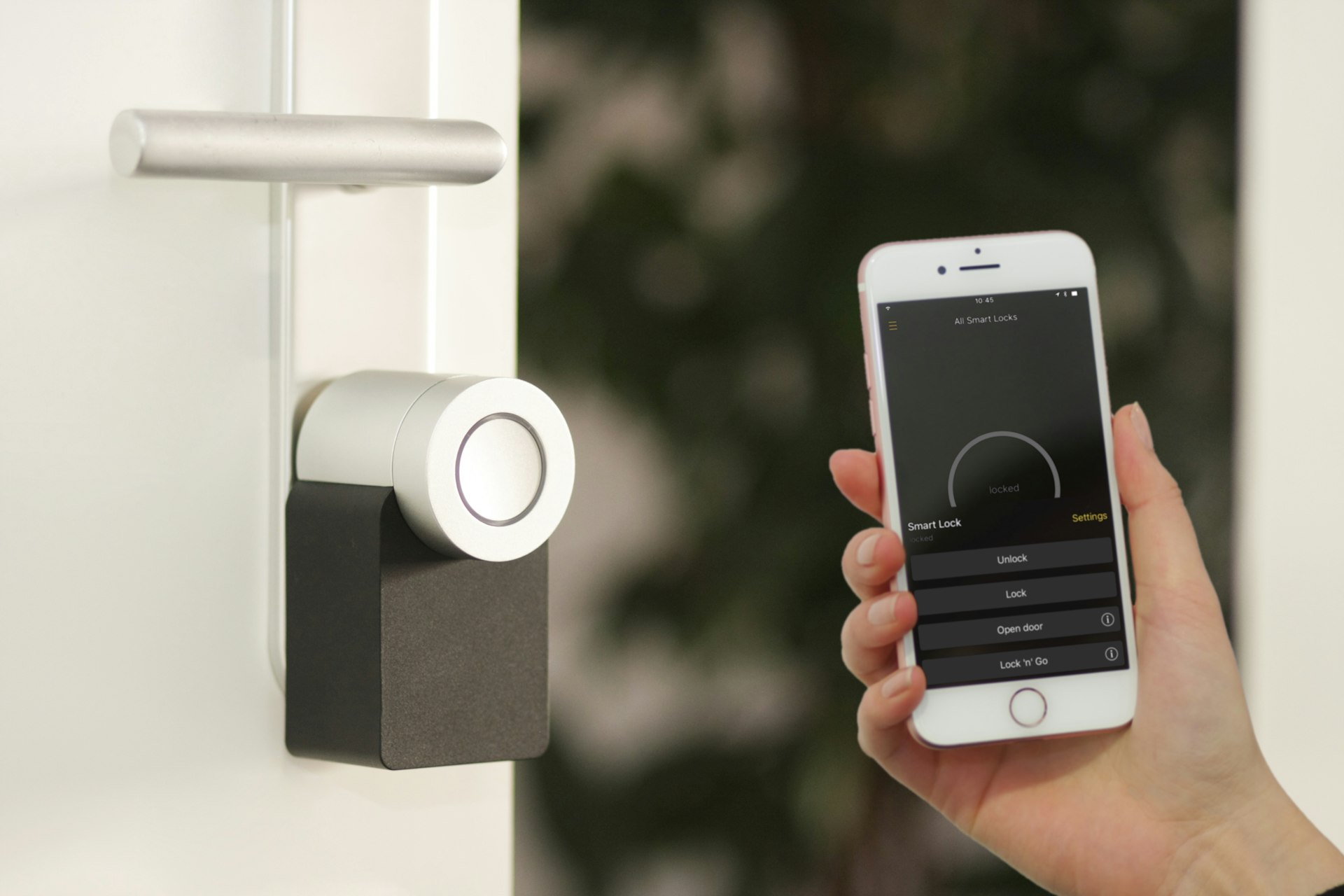
This post is the practical replacement path: cloud-managed cameras plus access control that live in one Command experience — door events tied to video, schedules you can change from a phone, credentials that follow hire/fire instead of a stamped key. It is not another overview of when Verkada fits. For that map, start with the hub: Verkada for Lincoln and Omaha businesses.
SAINT is an authorized Verkada partner based in Hickman. Lincoln is about 15–20 minutes north; Omaha-metro is a scheduled I-80 trip. We do not operate a Lincoln or Omaha showroom. We also do not invent Diamond badges, partner certification tiers, price lists, or “guaranteed stop theft” claims. Assessment first.
Get a free Security & IT Assessment: book 30 minutes · Call 531-625-2111 · contact
Why keys and DVRs fail busy Lincoln and Omaha SMBs
KNOWN from the offices we actually support: the failure mode is rarely “cameras are bad.” It is keys without an audit trail and video without a searchable door event.
Shared keys and codes
- A master key on three managers’ rings — until one leaves and nobody rekeys
- A door code written on a sticky note by the register
- After-hours unlocks that “someone” did, with no name, no time stamp you trust, and no camera clip tied to the unlock
- Multi-site pain: Lincoln HQ and an Omaha satellite each with their own key box and their own “who has access” spreadsheet
Keys are cheap until they are not. Rekeying after turnover, contractor access that never expires, and a prop-open back door on a freight night are how small businesses lose weekends — not because they refused technology, but because metal keys do not log.
Aging DVR / NVR CCTV
- Local disks that fill, fail, or get overwritten before anyone notices
- Remote viewing that means a port forward, a forgotten password, or “drive to the closet”
- No clean link between “door opened at 11:42 p.m.” and “here is the person at that door”
- Multi-site search that means two logins and two timelines
Cloud-managed cameras with onboard storage and Command search exist to fix the search and upkeep problem — not to decorate a wall. When the footprint is wrong (air-gapped site, existing enterprise VMS you intend to keep), we say so. See the hub for fit vs non-fit: when cloud cameras actually fit.
What “cameras + access together” actually means
Marketing slides say “unified platform.” For a Nebraska SMB, the useful version is simpler:
| Without integration | With cameras + access in Command |
|---|---|
| Badge/key unlocks; DVR is a separate login | Door event and nearby camera view in one place |
| After-hours “who was here?” is guesswork | Search by door, time, and person/credential |
| Schedules live in a panel someone forgot | Door schedules and unlock windows you can change remotely |
| Hire/fire updates email but not the door | Identity sync to Entra ID or Google Workspace (when configured) |
| Remote unlock = call whoever has the key | Remote unlock for named admins, with a log |
Capabilities we describe honestly (product-family level, not a fake SKU sheet):
- Door events tied to video — a credential use or unlock can be reviewed next to the camera covering that door
- Schedules — unlock windows for lobby hours, warehouse receiving, cleaning crews
- Remote unlock — for owners and managers who already carry MFA on email; still needs a named admin list
- Identity sync — Verkada access can sync users/groups from Entra or Google so the door follows the same identity you already trust for Microsoft 365 or Workspace
INFERRED / do not overclaim: sync quality depends on how clean your directory is. Shared “Office” Entra accounts and contractors without offboarding will poison any access system — cloud or not. We design around that; we do not promise magic.
This is also not a weapons-detection pitch, an LPR design guide, or a jobsite trailer buy. Those are separate posts — link, don’t retread: weapons detection, LPR for Lincoln & Omaha, jobsite cameras.
Program pages: physical security · business cameras · access control · Verkada products
Fit cases for Lincoln and Omaha SMBs
Retail / storefront
Front door hours, stockroom after close, and a back alley cam that actually points at the door people use. Access on the stockroom; cameras on approaches — not a camera aimed at a register if policy and culture say no. Lost-key drama after holiday hires is the usual pain.
Professional office
Suite door + suite camera, visitor path through a lobby, after-hours associate access without a lockbox code. Multi-tenant buildings need landlord coordination — KNOWN: we do not cut cores we do not own without the property manager in the loop.
Light warehouse / shop
Receiving door schedules, yard or dock cameras (LPR only when the lot design warrants it — see the LPR post), and credentials for drivers vs office staff. Tailgating and prop alarms belong in a later series post; the short version is: a camera without a door schedule still leaves the bay open.
Clinic lobby (privacy-aware)
Lobby, waiting area approaches, and medication or records closets — not session rooms, exam rooms, or bedrooms. Privacy-aware placement is the default for independent clinics and behavioral health. Lightweight context: behavioral health industry and HIPAA IT for small clinics. A dedicated privacy-aware cameras post is planned in this series; until then, assessment scopes keep clinical spaces out of view.
Network and VLAN honesty (PoE without taking down finance)
Cameras and access controllers are network devices. Treating them like “just plug into the spare switch” is how a firmware push or a loop takes accounting offline on a Friday.
Plan for:
- PoE budget — count ports and watts before the truck rolls
- Camera / access VLAN — separate from finance workstations and guest Wi-Fi
- Uplink reality — cloud management needs a stable path; onboard storage covers gaps, it does not excuse a dead circuit with no failover story
- UniFi alternate — when the stack is already UniFi, UniFi Protect/Access can be the cleaner fit than bolting on a second cloud. We sell what fits the building, not what fills a partner quota
Same team that runs Huntress/Guardz and UniFi should own the VLAN story so physical security does not become the thing that breaks Microsoft 365. Broader network context: network design.
Lincoln vs Omaha logistics (short)
Lincoln: Haymarket and south-Lincoln storefronts, Capitol-adjacent offices, independent clinics. Same-day or next-day on-site from Hickman is often realistic. Hub: /locations/lincoln-ne.
Omaha-metro: West Omaha / Aksarben offices, Bellevue or Papillion light warehouse, clinics in the shadow of larger systems. Multi-site Command (Lincoln HQ + Omaha satellite) is a common pattern — deeper post planned later in this series. Service is scheduled via I-80; suburbs are service area, not branch offices. Hub: /locations/omaha-ne.
Same phone for both: 531-625-2111. No storefront theater.
Assessment-first buy path (no bait-and-switch)
- Walkthrough / assessment — doors, coverage, privacy zones, PoE, retention, identity source. Start at physical security assessments or book.
- Planning estimate — list figures and options at /products/verkada, not a fake checkout cart or invented SKU tiers.
- Install + Command handoff — same Hickman-based team; admins named; door-to-video check before we leave.
We do not publish a price list in this post. We do not invent partner Diamond / certification badges. We do not claim cameras and access “guarantee” theft stops. Controls improve visibility and accountability; policy and habits still decide outcomes.
Talk to the team: Get a free Security & IT Assessment · 531-625-2111 · contact